No engineering backlog. No six-month rollout. Here’s exactly which business processes to hand over to AI workflow automation first, and how an AI code platform makes it possible in days, not quarters.
If your team is still copy-pasting data between spreadsheets, chasing approvals over email, or manually tagging support tickets, you’re not behind because automation is hard. You’re behind because most automation tools made you choose between “easy but limited” no-code builders and “powerful but slow” custom development. An AI code platform removes that trade-off. You describe the workflow in plain language, the platform generates real, working code, and your team gets a production-ready automation in days instead of months.
This guide walks through 10 specific business workflows you can realistically automate this week, what each one saves you, and how AI workflow automation is changing who gets to build these systems in the first place.
What Is an AI Code Platform, and Why Does It Matter Now?
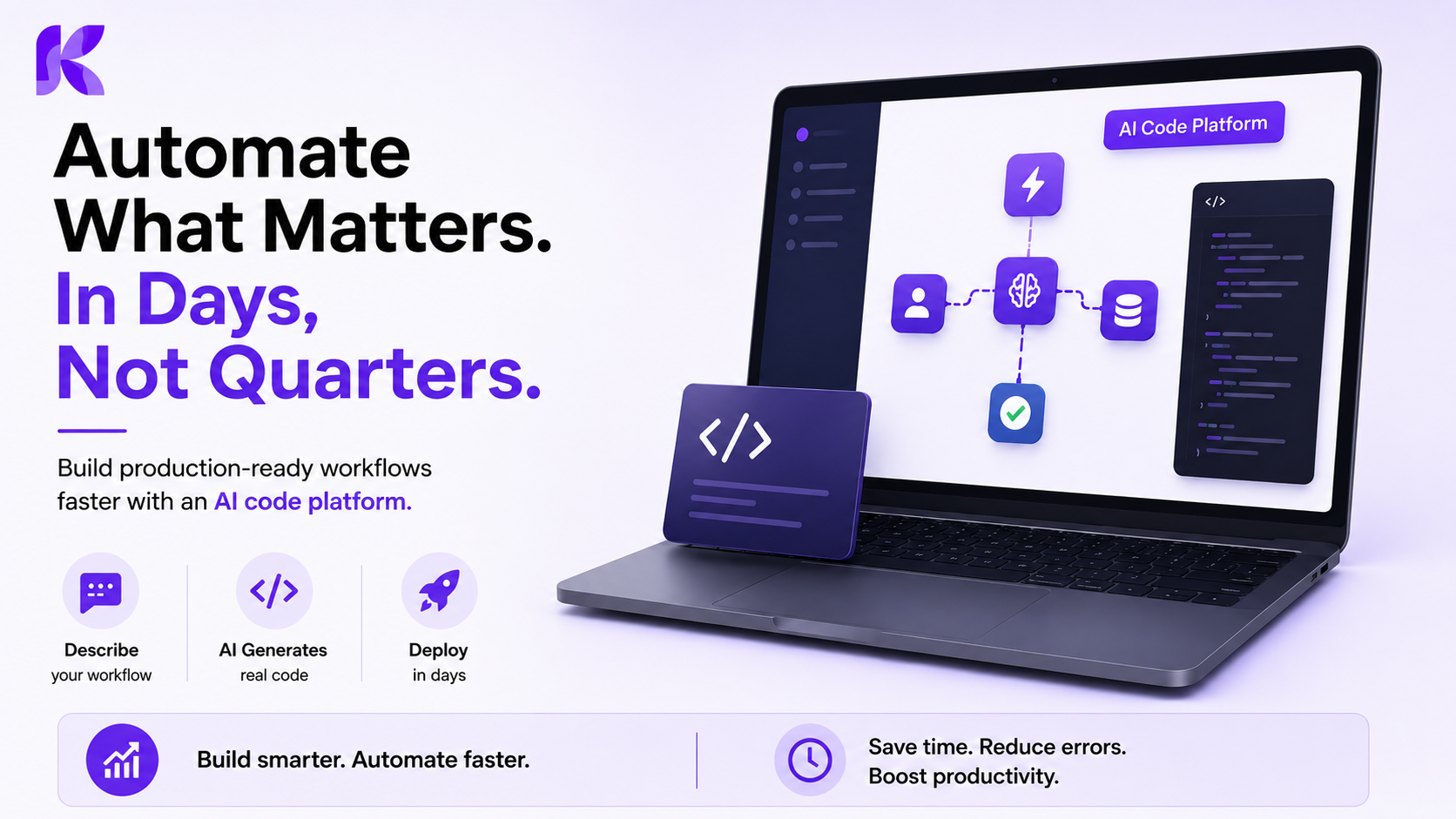
An AI code platform is a development environment where artificial intelligence writes, edits, and maintains functional code based on plain-language instructions, rather than forcing you into rigid templates. Unlike traditional no-code tools that limit you to pre-built connectors, an AI code platform generates real code underneath every automation, so it can be reviewed, version-controlled, and extended by developers later. This matters in 2026 because AI workflow automation has moved past simple task triggers into adaptive, multi-step processes that need genuine logic, not just drag-and-drop blocks.
The shift is already visible across industries. Low-code and AI-assisted platforms now let marketing, finance, sales, and operations teams build their own automations without waiting on a developer queue. Marketing teams build their own workflows now, and so do sales, finance, and operations teams, with nobody waiting on developers anymore as real-time responsiveness becomes a competitive advantage. That’s the practical promise of an AI code platform: speed for business teams, without sacrificing the depth engineers actually need.
Want a platform built for exactly this?
See how Kriatix’s AI code platform turns plain-language workflow descriptions into production-ready automations
1. Lead Routing and Qualification: Stop Losing Hot Leads to Slow Manual Sorting
Lead routing automation scores incoming leads using firmographic and behavioral data, then assigns each one to the right rep within seconds of form submission. The biggest cost of manual lead routing isn’t effort, it’s speed: leads contacted within five minutes convert dramatically better than those contacted an hour later, and most sales teams simply can’t hit that window by hand.
With an AI code platform, this workflow connects your CRM, enrichment data, and notification system into one pipeline. The AI classifies lead intent, checks territory and rep capacity rules, and routes accordingly, while logging every decision for your sales ops team to audit later. Teams typically see qualified-lead response time drop from hours to under five minutes within the first week of deployment.
2. Invoice Processing and Approval Chains for Faster Business Workflow Automation
Invoice processing automation extracts data from incoming invoices, matches them against purchase orders, flags discrepancies, and routes them to the correct approver automatically. This single workflow is one of the most common entry points into business workflow automation because finance teams can measure the time saved almost immediately.
A typical setup pulls invoice data through OCR or document parsing, cross-references it against open purchase orders, and applies your approval thresholds. In a closed-loop version of this workflow, AI monitors accounts receivable data, identifies invoices at risk of going overdue based on historical payment patterns, drafts personalized follow-up emails, and sends them automatically while logging everything for audit purposes, shifting the finance team’s role from manual execution to exception handling only. Duplicate invoice detection alone often eliminates a meaningful chunk of avoidable overpayments within the first month.
3. Customer Support Ticket Triage and First-Response Drafting
Support ticket triage automation reads incoming tickets, classifies them by urgency and topic, and either routes them to the right queue or drafts a first response for human review. This matters because support teams lose hours every day to manual sorting before any actual problem-solving begins.
An AI code platform can connect your helpdesk, knowledge base, and CRM so the system understands customer history before triaging. Unstructured inputs, like an angry email versus a routine billing question, get classified correctly because the AI reads context, not just keywords. Many teams keep a human-in-the-loop checkpoint for anything involving refunds or account changes, while letting AI handle classification, tagging, and draft responses end to end.
4. Employee Onboarding Workflows That Span HR, IT, and Payroll
Employee onboarding automation connects your applicant tracking system, HR database, IT ticketing tool, and payroll platform so a new hire’s paperwork, equipment requests, and system access all trigger automatically from one starting event. This directly answers a common pain point: onboarding usually breaks down not because any single step is hard, but because four different systems need to talk to each other on the same day.
A no-code or AI code platform can integrate the applicant tracking system, HR database, IT ticketing system for equipment, and payroll system, ensuring data flows correctly between each stage without manual coordination. The result is a new hire who has their laptop, login credentials, and welcome packet ready on day one, without an HR coordinator manually emailing five different departments.
Already seeing workflows you want automated?
Kriatix AI help businesses design and ship custom AI workflow automation, from a single process pilot to full cross-department rollout.
Book a Free Automation Audit | Explore Kriatix
5. Client and Performance Reporting Without the Manual Data Pull
Reporting automation pulls data from multiple sources, generates a written summary, and distributes a finished report on a schedule, removing the hours teams spend copying numbers into slide decks every week. This is one of the fastest wins in AI automation workflows because the output is highly visible to clients or leadership.
A practical example of this is a marketing agency automating client reporting by pulling data from Google Analytics and Facebook Ads, generating a narrative summary, and distributing branded PDF reports, which takes report assembly from hours down to minutes. The same pattern applies to internal reporting: sales pipeline summaries, support SLA reports, or engineering sprint recaps can all run on autopilot once the data sources are connected.
6. Meeting Notes, Summaries, and Action Item Distribution
Meeting automation transcribes calls, summarizes key decisions, and distributes action items to the right owners in your task management tool, all without anyone manually typing notes. This solves a problem every team recognizes: meetings produce decisions, but those decisions die in someone’s notebook if nobody follows up.
Once connected to your calendar, video tool, and project tracker, the AI can detect who owns each action item based on context and assign it automatically, with a deadline pulled from the conversation itself. Teams that adopt this report a noticeable drop in “wait, who was supposed to do that?” follow-up messages within the first two weeks.
8. Contract Review and Compliance Checks Before Signature
Contract review automation scans incoming agreements for non-standard clauses, missing terms, or compliance red flags before they reach a human reviewer for final sign-off. This is especially valuable for legal and procurement teams who currently read every contract line by line, even when 90% of the document is boilerplate.
The AI code platform approach here works well because contract review isn’t a single rule, it’s pattern recognition across thousands of clause variations. The system flags anything unusual, summarizes the deviation in plain language, and routes only the flagged sections for human attention, cutting review time substantially while keeping a human firmly in control of the actual approval decision.
9. Social Media and Content Scheduling Across Multiple Channels
Content scheduling automation drafts platform-specific copy from a single source piece, queues it across channels, and adjusts posting times based on past engagement data. Marketing teams often ask the same question: how do we publish consistently across five platforms without a dedicated person doing it manually every single day?
An AI code platform can pull from your content calendar, generate channel-specific variations (shorter for X, more visual framing for Instagram, longer-form for LinkedIn), and schedule everything in one pass. Performance data feeds back into the system so future scheduling times improve automatically, rather than relying on someone’s gut feeling about “best posting hours.”
10. Expense Management and Receipt Reconciliation
Expense automation reads submitted receipts, categorizes spend, checks it against company policy, and flags anything outside approved limits before it reaches a manager’s inbox. This closes one of the most common finance complaints: employees forget to submit receipts on time, and managers spend hours chasing missing documentation every month-end.
Once integrated with your expense tool and accounting software, the workflow auto-categorizes spend by vendor and policy type, instantly flags duplicate submissions, and routes only genuine exceptions for manager review. This mirrors a broader pattern across automation ROI data: the highest-value automations replace repetitive, high-volume tasks where time savings are measurable in hours per week, and organizations recovering automation investment within 12 months report productivity gains of 25 to 30 percent alongside error reductions of 40 to 75 percent.
How Do I Actually Start Business Workflow Automation This Week?
Start with one workflow that is high-volume, repetitive, and easy to measure, then expand once it’s stable. Pick a process your team already does manually every day, like lead routing or invoice approvals, map out its current steps, and identify which parts genuinely need human judgment versus which parts are just repetitive data movement.
Most businesses succeed with this three-step approach:
- Audit before you automate. Document the current manual process, including every handoff point and approval step, before choosing a platform.
- Pilot on one team, not the whole company. Run the workflow with a single department for one to two weeks to catch edge cases before wider rollout.
- Keep a human checkpoint on irreversible actions. Payments, data deletion, and contract sign-offs should always retain a manual approval step, even inside a fully automated workflow.
This is exactly where an experienced implementation partner saves weeks of trial and error. Kriatix AI specialize in helping operations, finance, and marketing teams identify the right first workflow, then build it on an AI code platform that’s flexible enough to grow with the business.
Ready to automate your first workflow this week?
Tell our team which process is eating the most hours, and we’ll show you exactly how it looks once it’s automated.
Talk to an Automation Specialist