Inventory Update Dashboard
Keep Inventory Levels Accurate and Always Up to Date
Show in-stock/out-of-stock items.


See Inventory Update Dashboard In Action
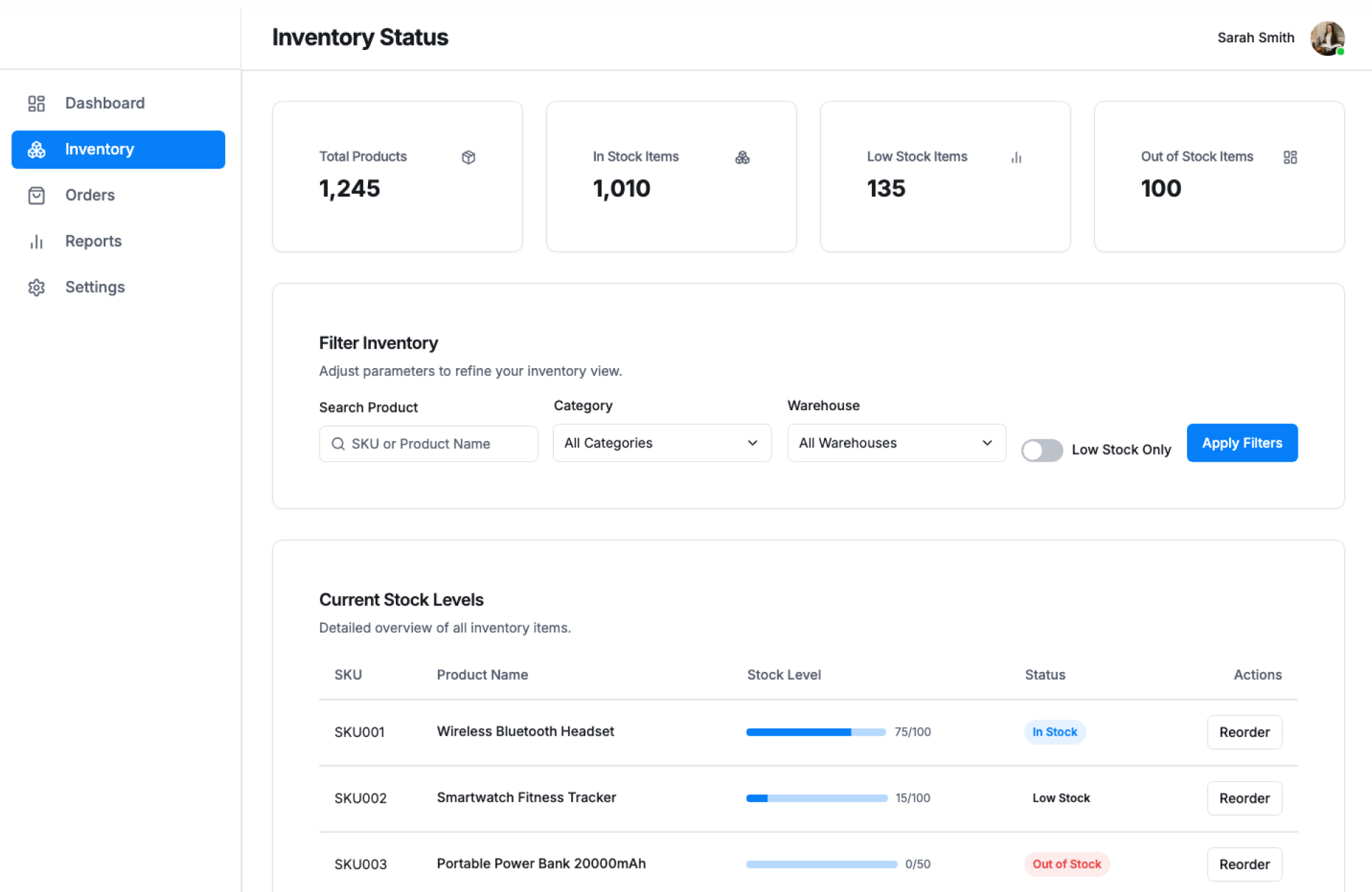
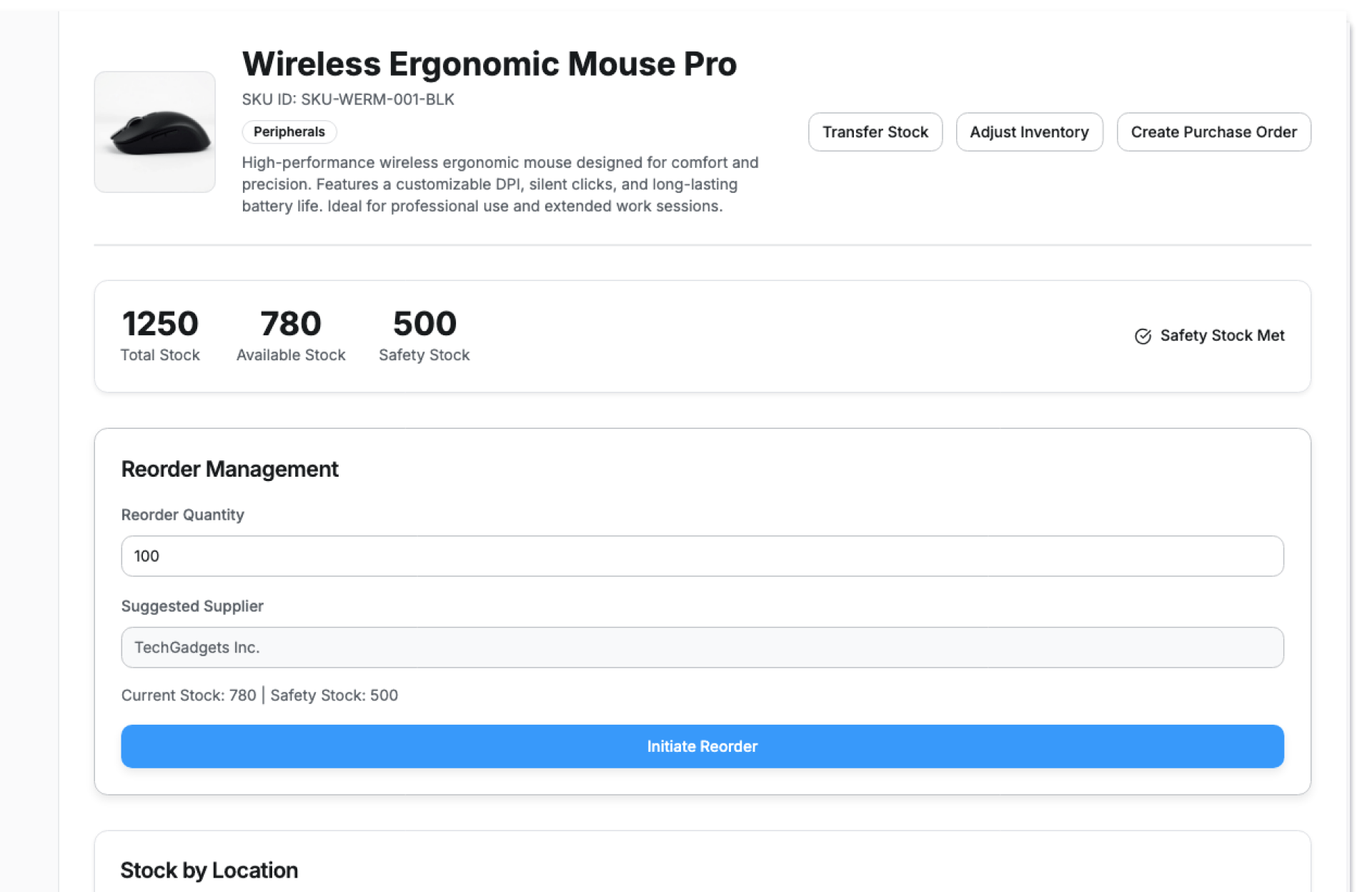
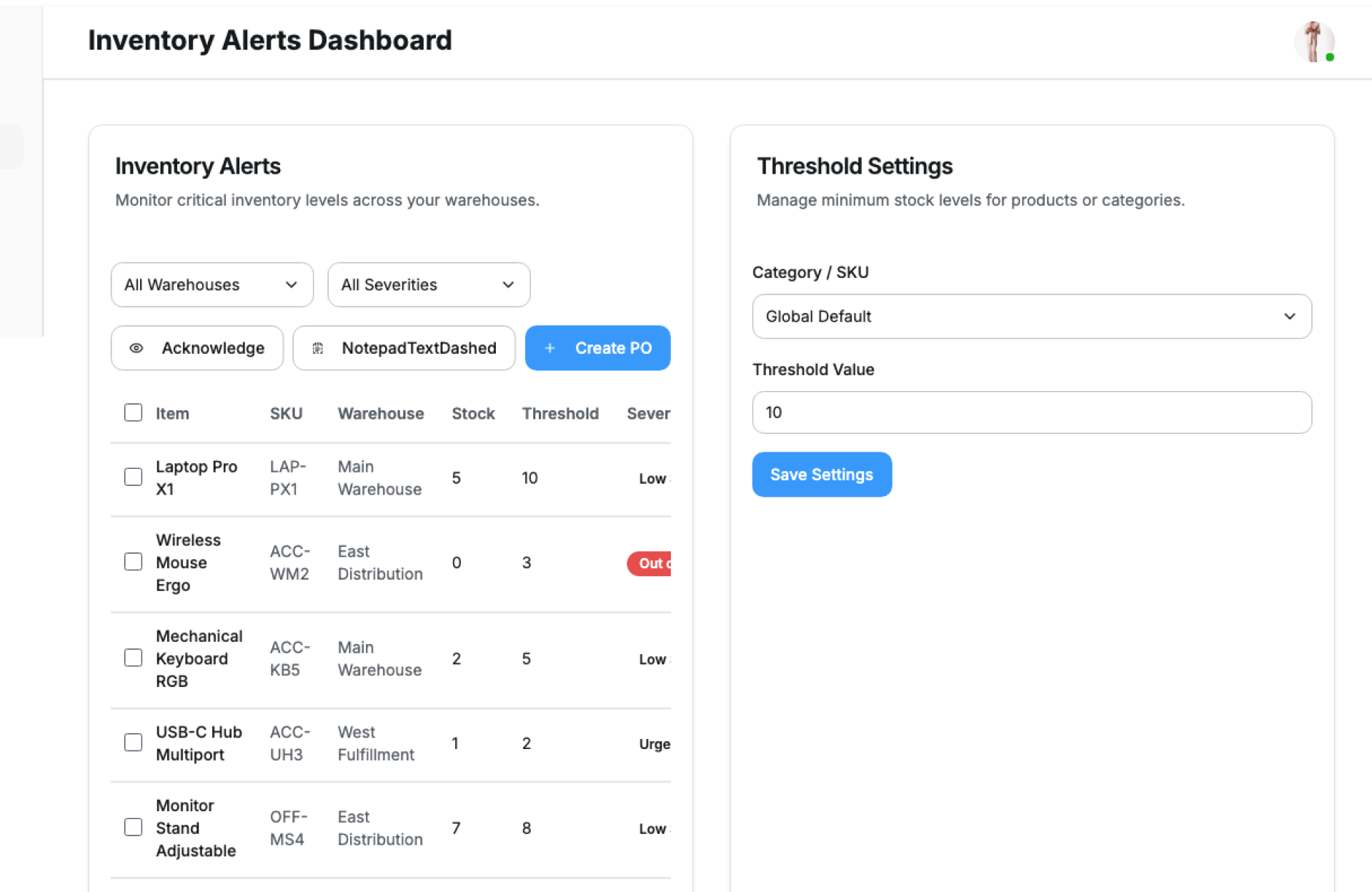
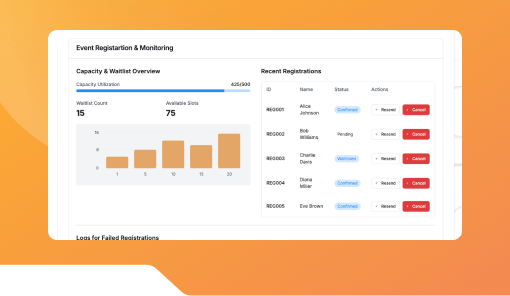
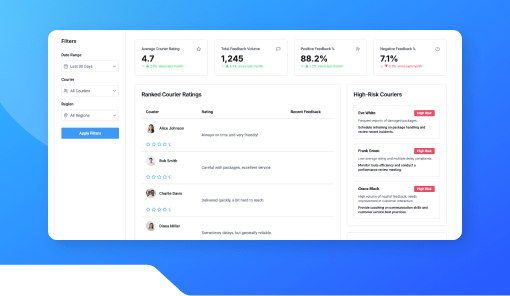
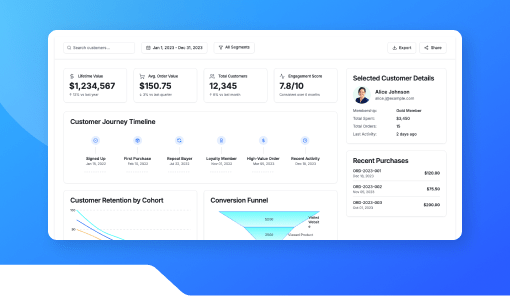
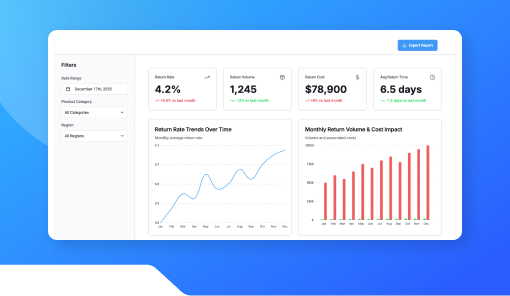
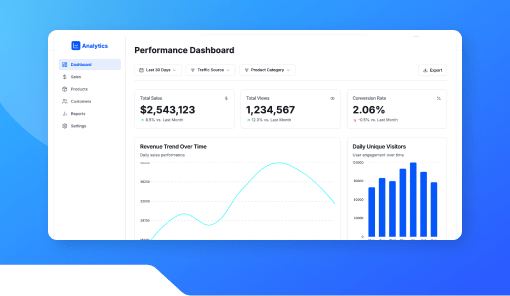
The Inventory Update Dashboard by Kriatix gives businesses real-time visibility into stock levels across products, locations, and channels. It centralizes inventory updates, reduces manual reconciliation, and helps teams avoid stockouts or overstock situations.
Built for fast-moving operations, it ensures inventory data stays accurate and actionable.
🔹 Start Free Trial
🔹 Book a Demo
🔹 Request Pricing
What Is the Inventory Update Dashboard?
The Inventory Update Dashboard is a centralized interface that tracks inventory changes as they happen. It reflects stock inflows, outflows, and adjustments in real time giving operations, sales, and supply teams a single source of truth for inventory status.
It adapts to different inventory models, warehouses, and product categories.
Who Is It For?
| Role | How They Benefit |
|---|---|
| Operations Teams | Monitor stock levels without manual checks |
| Warehouse Teams | Track incoming and outgoing inventory |
| Sales Teams | Avoid selling out-of-stock items |
| Procurement Teams | Plan replenishment accurately |
| Founders & CXOs | Maintain visibility into inventory health |
Key Features
- Real-time inventory level updates
- Product and SKU-wise stock visibility
- Inbound and outbound inventory tracking
- Low-stock and threshold indicators
- Location or warehouse-based views
- Inventory adjustment and update logs
- Export-ready stock reports
Benefits
- Prevent stockouts and overstocking
- Reduce manual inventory reconciliation
- Improve order fulfillment accuracy
- Enable better demand and supply planning
- Maintain consistent inventory records
- Scale inventory operations with confidence
How It Works
- Ingest Inventory Data – Connect stock movements and updates
- Track Changes in Real Time – Reflect inflows and outflows instantly
- Monitor Thresholds – Identify low or excess stock levels
- Review Inventory Logs – Audit updates and adjustments
- Export Insights – Use reports for planning and audits
Add-ons & Integrations
- Customer Order Tracker
- Inventory Alert & Notification Module
- ERP & Warehouse Systems
- Procurement & Supply Dashboards
- API access for inventory platforms
Deployment & Access
- Web-based dashboard access
- Cloud or on-premise deployment
- Secure data handling
- Role-based access and permissions
What Our Partners Are Saying

"Company AI-powered interfaces have been praised for their usability ,Through exhaustive research and advanced automation, Kriatix made the application fluid, accessible, and future-ready for all users. The team adapted quickly to deliver complex AI-driven tasks and independently developed creative, detailed solutions. Their AI chatbot services stood out in particular — seamlessly integrating conversational AI that enhanced user engagement and streamlined support."
Amit Kumar
Co-Founder, Venture Transform Strategy Consulting LLP

"Kriatix.ai delivered the AI-powered application on time, leveraging Agile methodology to ensure flexibility and efficiency. The team conducted bi-weekly demos, keeping the project transparent and aligned with our goals. Using Jira, GitHub, and Slack, they maintained flawless communication and streamlined project management.Their integration of AI chatbots for real-time feedback loops accelerated our release cycle by nearly 25% and reduced manual validation efforts by 40%, resulting in a smoother, faster, and higher-quality delivery."
Sumit Kumar
CEO, HImalayan Basket Private Limiteds

"The AI-powered website delivered by Kriatix.ai is both visually appealing and high-performing they built a website that not only impressed us with its sleek design but also outperformed our expectations in speed and functionality. Their team worked as true partners—creative, experienced, and highly attentive to every detail.By integrating AI personalization and intelligent chatbots, the website now adapts to user behavior in real time, leading to a 35% increase in engagement and a 25% reduction in support queries."
Sneha Das
CEO, Ittisa

"Kriatix.ai completed the deliverables with excellence, often going the extra mile by suggesting AI-driven alternatives to our change requests. The workflow was seamless, with the team being timely and proactive in addressing every issue. They set realistic expectations, built intelligent automation into our processes, and delivered results with superb quality.Their AI chatbot integration not only streamlined support but also improved responsiveness, ensuring our users always received accurate and instant assistance."
Gururaj Mahale
Director of Growth Marketing, SYNERGOS
Frequently Asked Questions
Does the dashboard update inventory in real time?
Yes. Stock changes are reflected instantly as updates occur.
Can it track inventory across multiple locations?
Yes. Inventory can be monitored by warehouse or location.
Are inventory changes logged for audits?
Yes. All updates and adjustments are recorded with timestamps.
Can low-stock alerts be configured?
Yes. Threshold-based indicators and alerts are supported.
Can inventory reports be exported?
Yes. Stock summaries and detailed reports can be downloaded.
Ready to Automate Smarter with Kriatix?
Build next-gen, AI-powered apps and workflows—faster, smarter, and tailored to your industry.
Get StartedRelated Products